由来
很久以前, 翻到了JO32KF的WebSDR, 我靠好先进啊,
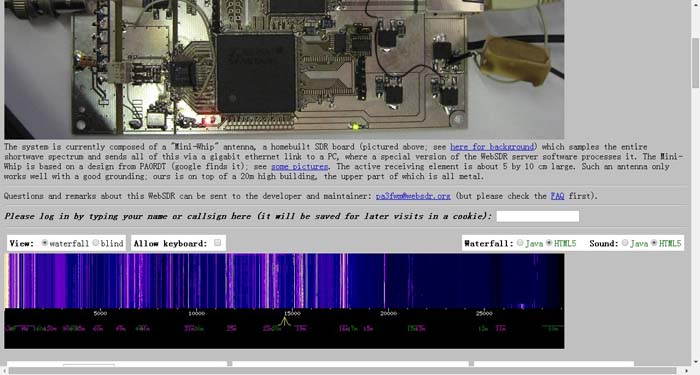
我也想做一个, 于是调查了一下, 支持GNURadio的硬件好贵... 然后就发现了超级便宜的RTL-SDR, x宝搞定一个.

买回来后, 确实很好玩, 可以听到对讲机, 看到飞机起降, 有意思! 想着自己做个FM解调玩玩吧, 大概调查后发现难度不小. 那么就先从简单的开始做, RTL-SDR有Python的接口, 那么就先在Python上实现一个能实时显示信号的程序吧.
我的路线图:
- 随机信号 <- 本文内容
- 麦克风频谱图
- RTL-SDR频谱图
- FM解调
实现
Python上要画图, 当然我先想到的是matplotlib, 如果他可以, 那就不用在那些做GUI的软件包中找了. 它就是, matplotlib.animation. 下面列出一些大侠们的blog post.
- https://gist.github.com/electronut/d5e5f68c610821e311b0
- https://nickcharlton.net/posts/drawing-animating-shapes-matplotlib.html
- http://jakevdp.github.io/blog/2012/08/18/matplotlib-animation-tutorial/
- http://devolab.msu.edu/2015/01/20/making-efficient-animations-in-matplotlib-with-blitting/
- http://www.swharden.com/blog/2010-03-05-realtime-fft-graph-of-audio-wav-file-or-microphone-input-with-python-scipy-and-wckgraph/
此外,还有Matplotlib的官方例子.
在试了一遍后, 我发现大多数的例子都是先准备好数据, 然后再来animation, 如官方的basic_example.py例子.
# -*- coding: utf-8 -*-

import numpy as np
import matplotlib.pyplot as plt
import matplotlib.animation as animation

def update_line(num, data, line):   #该函数用于每次调用时生成每一帧的plot
    line.set_data(data[...,:num])
    return line,

fig1 = plt.figure()                 #创建一个存放plot的Figure.

data = np.random.rand(2, 25)        #初始化data,两个数一组,共25组.
l, = plt.plot([], [], 'r-')         #先画一个空的plot
plt.xlim(0, 1)                      #限定plot范围
plt.ylim(0, 1)
plt.xlabel('x')
plt.title('test')
line_ani = animation.FuncAnimation(fig1, update_line, 25, fargs=(data, l),
    interval=50, blit=True)         #开始动画.
#line_ani.save('lines.mp4')
这个程序生成了25帧的数据, 然后在animation.FuncAnimation中只生产25帧plot, 在调用update_line时, num会从1到25, 这样就画出了变化的图形,而且每25帧重复.
那么也就是说把frames设为1,应当就可以显示不同的数据,且每次都清屏.
而在update_line函数中把要显示的数据return回去就可以了.
# -*- coding: utf-8 -*-

import numpy as np
import matplotlib.pyplot as plt
import matplotlib.animation as animation
import matplotlib.lines as line

fig = plt.figure()
ax = plt.axes(xlim=(0,10), ylim=(0,1))
linem = line.Line2D([],[])

def init():
    ax.add_line(linem)
    return linem,

def update(i):
    linem.set_xdata(np.arange(0,10,1))
    linem.set_ydata(np.random.rand(10))
    return linem,

fig.show()

ani = animation.FuncAnimation(fig, update,
                              init_func=init,
                              frames=1,
                              interval=1,
                              blit=True)

raw_input("wait")
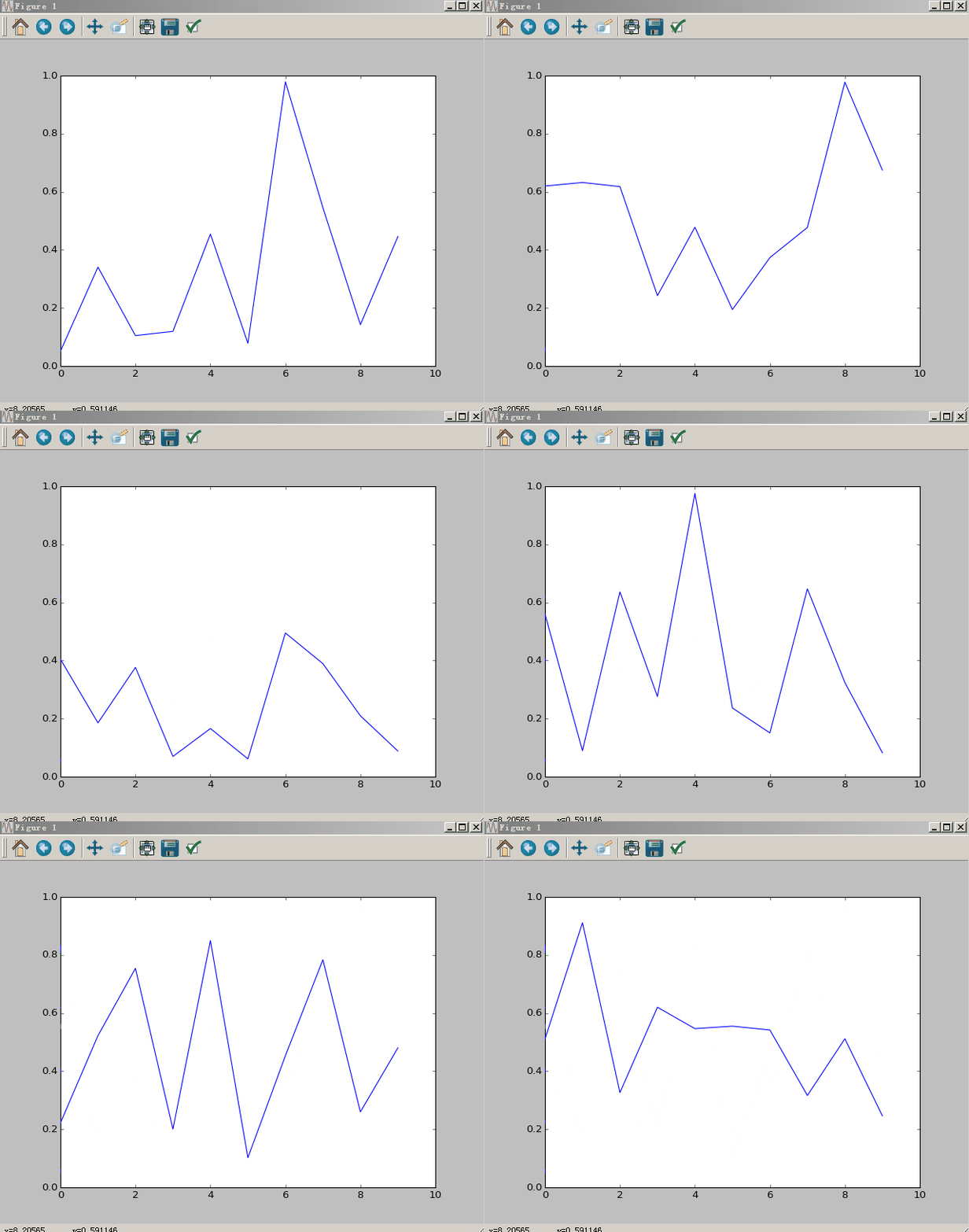
嗯~看起来简单, 调了两天哦~ init函数是必须的, 在blit使能时, 如没有init函数, animation会将update的第一帧作为初始话, 你就会看到一个不消失的曲线. 而那个奇怪的return linem,意思是返回一个unpack的tuple,参考stackoverflow 而为什么要返回这个奇怪的东西, 我也是大概理解, animation的API文档.
If blit=True, func and init_func should return an iterable of drawables to clear.
需要注意的是, 这个Animation与Python执行的环境有很大关系, 我在windows的cmd下和在spyder下运行效果有区别. 因此如果你的代码不行, 可以试试换个执行环境.
Comments
comments powered by Disqus